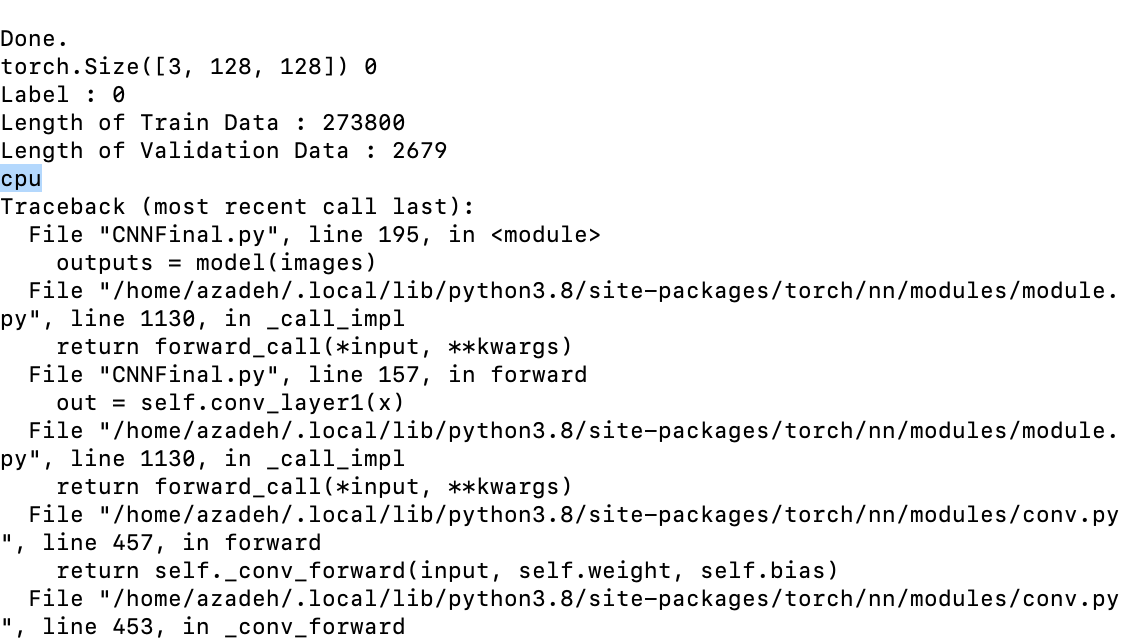
Haha, I did not.
I have just called it. It is running now.
Thank you for response and help. Another thing, Is it possible to suggest me any tutorial to improve my knowledge about CNN?
I will take care of the Cifar10 tutorial, but specifically at this step I want to create a CNN model for Herbarium Dataset. There are several Data set in every year Kaggle competition. I start with the 2019 that was simple but my goal is Dataset 2022 Kaggle competition. In 2019 Dataset I resize the image to 128X128 and do data Augmentation to increase the dataset sizes 7times. The accuracy is 65.83. In this dataset how I can improve the accuracy? Just I should say the number of classes is almost 700.
For 2022 Dataset, I have problem to figure out about the dataset labels. It is a JSON files and it seems the class has hierarchy. I am confuse how I can create the label in this dataset?
Without any custom loader.
With this the GPU usage went close to 100% and training time got reduced from 90 seconds to 17 seconds.
Funny thing: GPU memory usage went down from 2 GB to 1.1 GB with the new implementation.
However: there is a very suspect “accuracy” starting at 86% right at the beginning of training.
Running testing predictions separately after the training finished revealed the true accuracy was actually around 30-45%. I think I messed something up.
but this resulted in this error on the enumerate line:
Traceback (most recent call last):
  File "C:\Users\wyesp\PycharmProjects\PyTorch\training.py", line 129, in <module>
    train_loop(train_dataloader, model, loss_fn, optimizer)
  File "C:\Users\wyesp\PycharmProjects\PyTorch\training.py", line 84, in train_loop
    for batch, (X, y) in enumerate(dataloader):
  File "C:\Users\wyesp\anaconda3\Lib\site-packages\torch\utils\data\dataloader.py", line 631, in __next__
    data = self._next_data()
           ^^^^^^^^^^^^^^^^^
  File "C:\Users\wyesp\anaconda3\Lib\site-packages\torch\utils\data\dataloader.py", line 675, in _next_data
    data = self._dataset_fetcher.fetch(index)  # may raise StopIteration
           ^^^^^^^^^^^^^^^^^^^^^^^^^^^^^^^^^^
  File "C:\Users\wyesp\anaconda3\Lib\site-packages\torch\utils\data\_utils\fetch.py", line 51, in fetch
    data = [self.dataset[idx] for idx in possibly_batched_index]
           ^^^^^^^^^^^^^^^^^^^^^^^^^^^^^^^^^^^^^^^^^^^^^^^^^^^^^
  File "C:\Users\wyesp\anaconda3\Lib\site-packages\torch\utils\data\_utils\fetch.py", line 51, in <listcomp>
    data = [self.dataset[idx] for idx in possibly_batched_index]
            ~~~~~~~~~~~~^^^^^
  File "C:\Users\wyesp\anaconda3\Lib\site-packages\torchvision\datasets\mnist.py", line 143, in __getitem__
    img = Image.fromarray(img.numpy(), mode="L")
                          ^^^^^^^^^^^
TypeError: can't convert cuda:0 device type tensor to numpy. Use Tensor.cpu() to copy the tensor to host memory first.
If I interpret this correctly, it looks like the FashionMNIST dataset needs its data to be on the cpu.
Moving data to/from gpu every training batch is expensive.