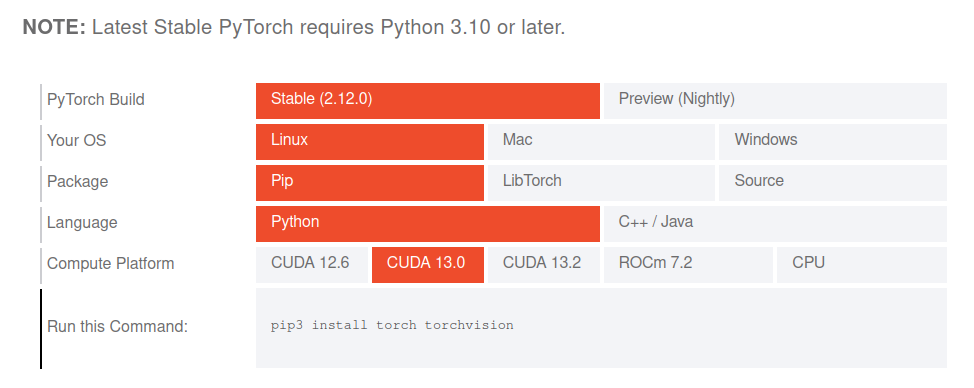
Greetings! (I should clarify that I’m a novice with these libraries, and even though I’ve been using them for quite some time with AI, I always encounter complications, even if some things eventually work.) A few months ago, I bought an RTX 5060 Ti 16GB, very excited to use some things I already used with AI on a 2060 Ti, and it’s been a real headache. A lot didn’t work, and I gave up trying, hoping for miracles when they update… but whenever I try to use something, I can’t find versions that support Blackwell, and even if they do, the commands in the other libraries aren’t compatible, it doesn’t like SM120, etc. Nobody updates thinking about making what already worked better; it always has to be new and incompatible. And I wonder if those older versions that worked with previous generations can’t be repurposed, keeping the new API, for now, because if one thing works, the rest doesn’t. Should I downgrade, upgrade with nightly builds, etc.? But I wonder, does nobody use Blackwell anymore? Is there no interest? Is there a lack of documentation? Is Gemini failing? It cost me a fortune to buy my 5060, but I saw that they’ve given away tons to almost every YouTuber, but then nobody seems to use them… Anyway, it’s not a complaint or anything, I just don’t understand how new generations are completely incompatible with the previous ones. And not having consistency is dooming everything that works to failure; I’ve seen it a thousand times. And when I imagine it should be the same but faster, and at most with new features, but reality isn’t like that, and almost everything that worked on the 2060 doesn’t work now because they’re not similar. I still have faith, and I’m infinitely grateful to those who are keeping everything up to date so it can work again. Anyway, let me tell you! I decided to do a small project as a way to learn, where I generate a dataset from a PDF using Llama, and the idea was to do fine-tuning with a Llama model, training it to be a little better prepared for certain things (for example, loading it with a source code manual, or thousands of programs I’ve already written, or something like that). For this, I asked Gemini for help in AI Studio, both with the code and to try to resolve the incompatibilities that arose later. And if I tell you that I downloaded about 40 versions of Torch and created many environments trying to get it to work, I’m not exaggerating. Lately, they even seem to always give an error when downloading, so I’ve been changing timeouts, etc. (this never happened to me before). The only thing left to ask is whether what Gemini wants to do makes sense, if there are other ways to perform the same task or process. I admit my ignorance, and I emphasize “not knowing much about the subject,” since I tried similar things with the 2060 but it seemed too limited. I’m also wondering if there’s a solid foundation to build upon for these fine-tuning processes, as I don’t fully understand where the incompatibilities arise. Does Gemini envision a perfect world, or are these tools simply impractical or useless?
For now, the code was divided into two stages: one for processing the PDF and creating the dataset, and another for performing the fine-tuning. I was hoping to implement other ideas that could be incorporated into fine-tuning. For now, I wanted to resolve this issue, and I know there are systems like RAW, etc. And I’ve been creating fascinating things with it, but I’d also like to finally do some finetuning… so if you can help, if you have AI models that could help, if you understand what Gemini was trying to do, if you laugh, feel sorry for it, and want to help, you’re welcome…